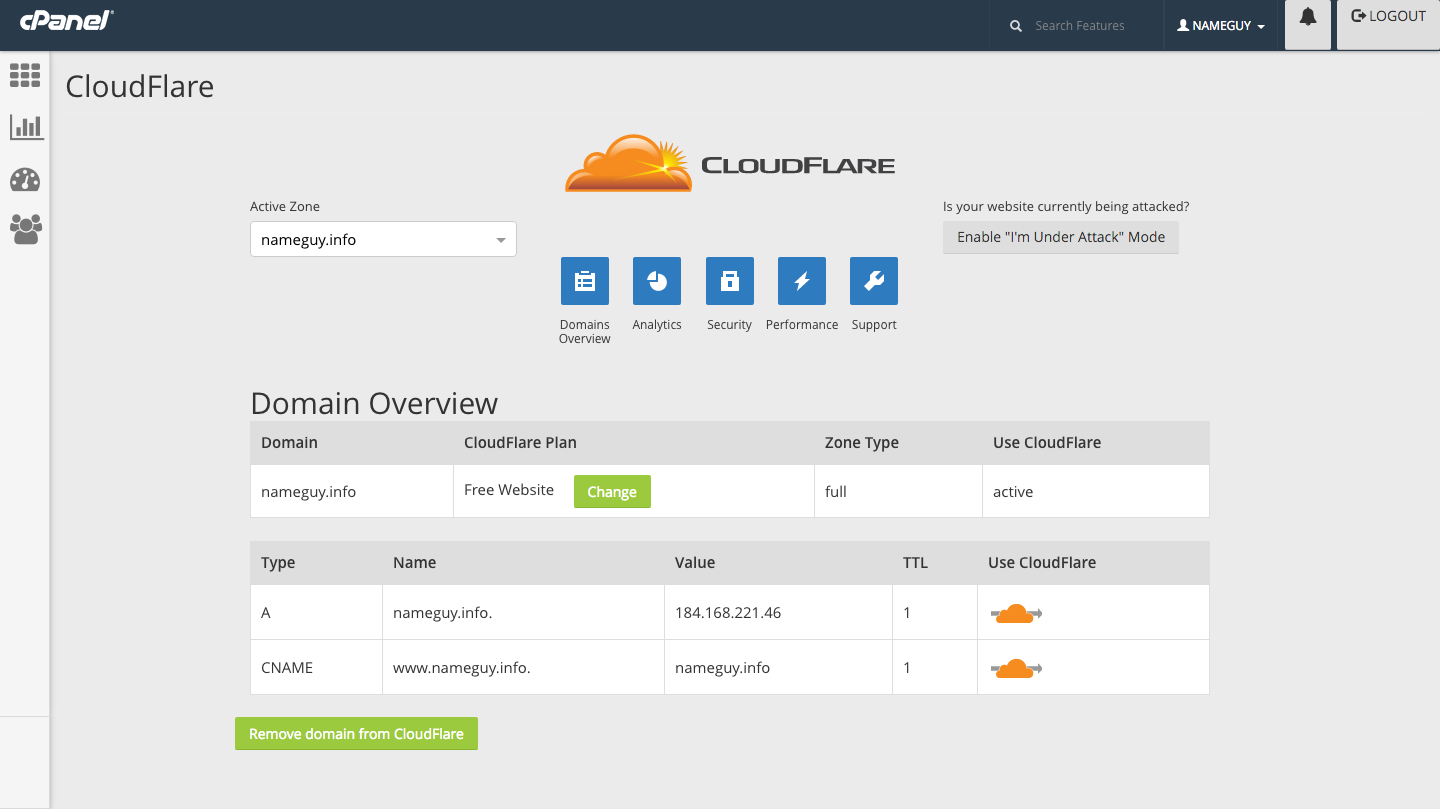
CloudFlare has released a new version of our plugin for cPanel with two new features and more control over the security settings of your website.
The new plugin (v6.0) uses the latest cPanel PHP-based APIs, and is completely re-architected to make adding new features easier, allowing for more frequent updates.
We’ve always focused on making integration with CloudFlare as easy as possible. As a customer of one of our hosting partners you can quickly start using CloudFlare features and routing your website traffic through CloudFlare’s global network by clicking on the CloudFlare icon from your cPanel interface.
Add domains to CloudFlare through Full Zone Provisioning. A huge benefit of Full Zone Provisioning is that it enables all of CloudFlare’s protection, including DDoS mitigation, at the root domain (yourdomain.com) as well the subdomain (www.yourdomain.com).
If your website is experiencing Layer 7 DDoS attacks, you can now click on the 'Enable “I'm under attack" mode ’ button to filter out malicious traffic while allowing legitimate visitors to reach your site. When this is in place, visitors will receive a temporary page for about five seconds while we analyze the traffic to make sure it is a legitimate human visitor.
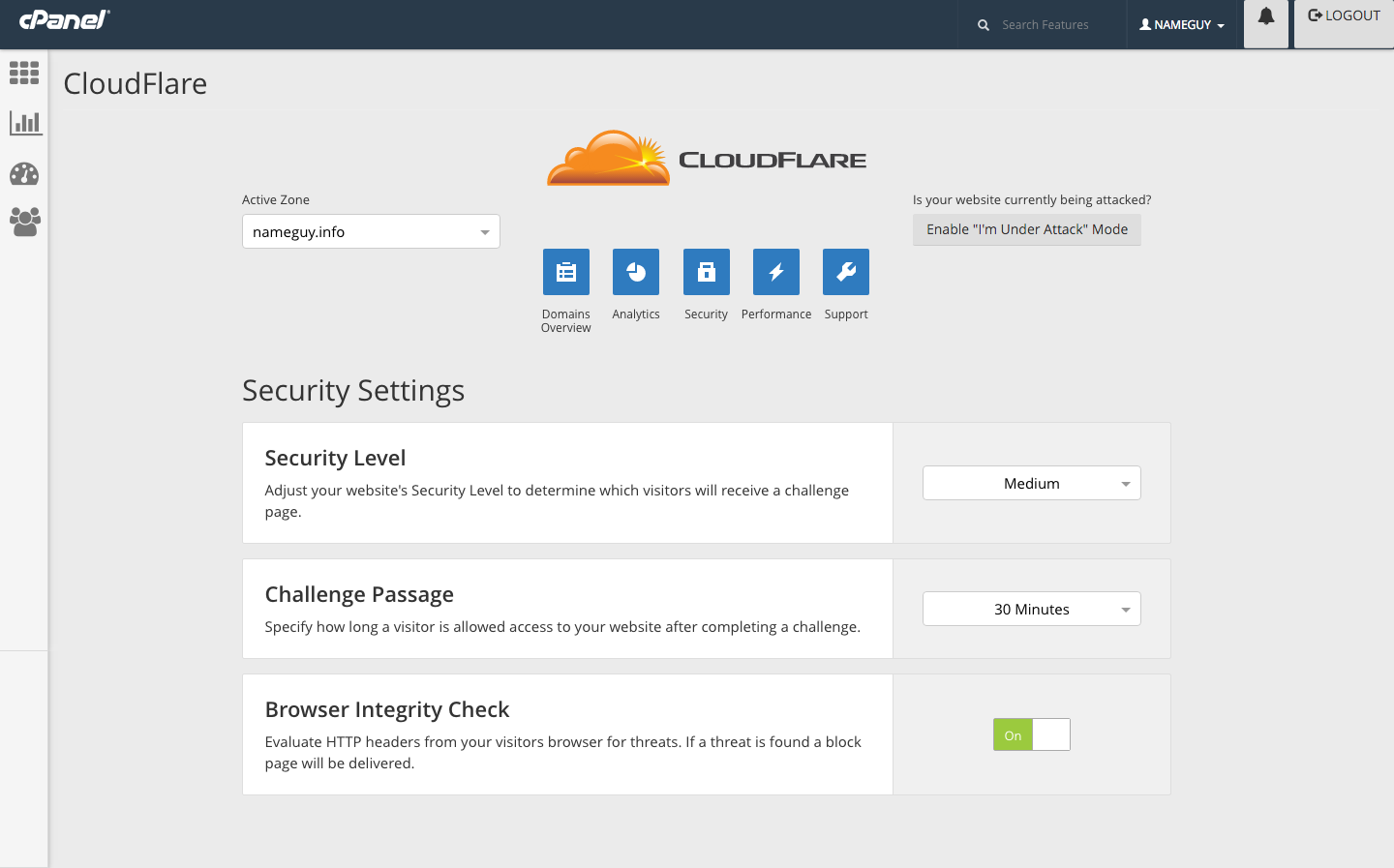
You can now control more CloudFlare security settings right from cPanel:
You can also control your website’s performance settings from within cPanel:
Don't see the CloudFlare icon in cPanel? Talk to your hosting provider about becoming a CloudFlare partner.
In just five minutes you can install the CloudFlare plugin and provide all the security and performance benefits of CloudFlare to your customers (Installation instructions).
The plugin gives your customers two options of how to provision CloudFlare. You can choose between CNAME (partial) setup and Full Zone setup. CNAME setup is enabled by default and you can control whether to enable or disable Full Zone setup.
Being based on the latest cPanel APIs it is more stable than previous versions. It also includes localization support, you can easily translate the plugin into any language you chose.
Some common FAQs about CloudFlare's cPanel plugin.